
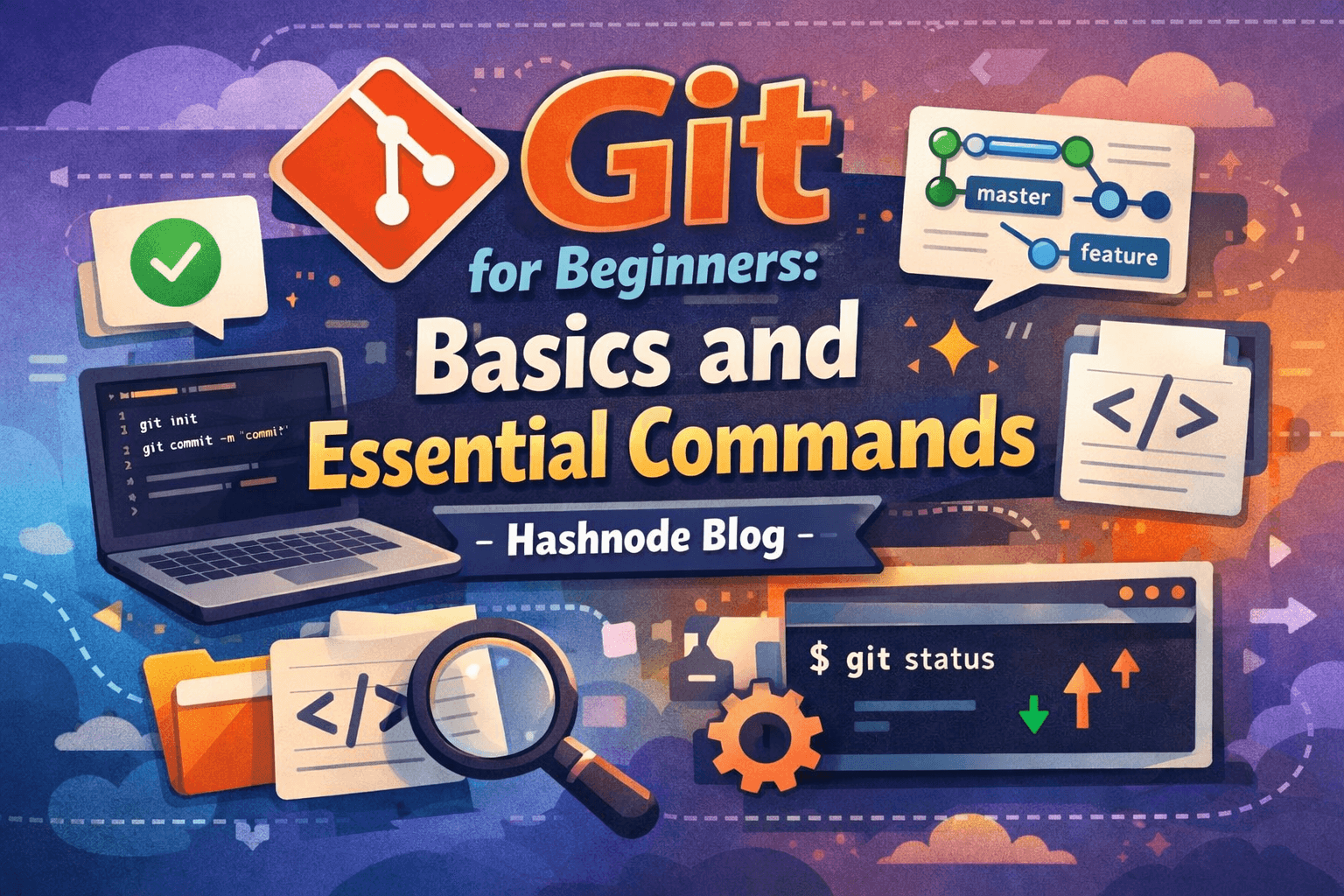
Git for Beginners: Basics and Essential Commands
Git is a distributed version control system that tracks changes in your files by taking snapshots of your project at different points in time.
Introduction
Git is one of the most essential tools for developers today. Whether you're working alone or with a team, Git helps you track changes, collaborate efficiently, and maintain a clean history of your project.
If you're new to Git, this guide will walk you through the basics and the most important commands you need to get started.
Why Use Git?
Here’s why Git is so powerful:
Track every change in your code
Collaborate with multiple developers
Roll back to previous versions
Experiment safely using branches
Backup your work using remote repositories
Installing Git
Windows
Download Git from: https://git-scm.com/download/win
macOS
brew install git
Install Git on Linux
Install Git using apt:
sudo apt install git
Verify Installation
git --version
Basic Git Concepts
Here are a few basic terminologies you will use frequently while working with Git:
Repository
A project that Git tracks. It contains all your files, folders, and the complete history of changes.Commit
A snapshot of your project at a specific point in time. Each commit saves the current state of your files, accompanied by a message that describes the change.Branch
A separate line of development. Branches allow you to work on new features or fixes without affecting the main codebase.Working Directory
The current folder on your system where you modify files before tracking them with Git.Staging Area
An intermediate area where files are prepared before creating a commit. Files must be staged usinggit addbefore committing.
Essential Git Commands
Initialize a Repository
git init
Check Repository Status
git status
Stage all Changes
git add .
Commit Changes
git commit -m "Initial commit"
View Commit History
git log
Create a Branch
git branch branch-name
Switch Branch
git checkout branch-name
Merge a Branch
git merge branch-name
Pull Latest Changes
git pull origin main
Basic Git Workflow
Modify files
Stage changes using
git addCommit changes using
git commitPush to the remote repository using
git push
This cycle repeats throughout the development.
Common Beginner Mistakes
Forgetting to commit changes
Writing unclear commit messages
Working directly on the
mainbranchNot pulling the latest changes before pushing
Best Practices
Write meaningful commit messages
Commit small and very frequently
Use branches for new features
Review changes before committing
Conclusion
Git is an essential skill for every developer. While it may feel overwhelming at first, mastering the basics will significantly improve your workflow and confidence.
The best way to learn Git is by using it daily — experiment, make mistakes, and explore!
Happy coding! 🚀